Member Resource: How to make a Pledge to your Church's Campaign
A friendly heads-up
This article showcases features available only for those subscribed to our all-in-one software solution, Flocknote Complete, and/or those using our secure payment processing for church fundraising & giving. Learn more about these powerful tools here! 🎉
If your church is using Flocknote for its campaign, you’ll be able to quickly and easily make your pledge and set up your preferred payment method - all in one fell swoop!
What does it look like to make a pledge?
Whether you click the Campaign link on your church’s website, follow the link from a Smart Button in an email, or scan a QR code your church is sharing, you’ll be guided to this pledge page.
You will be given the option to choose to Pledge & Give or Give One Time

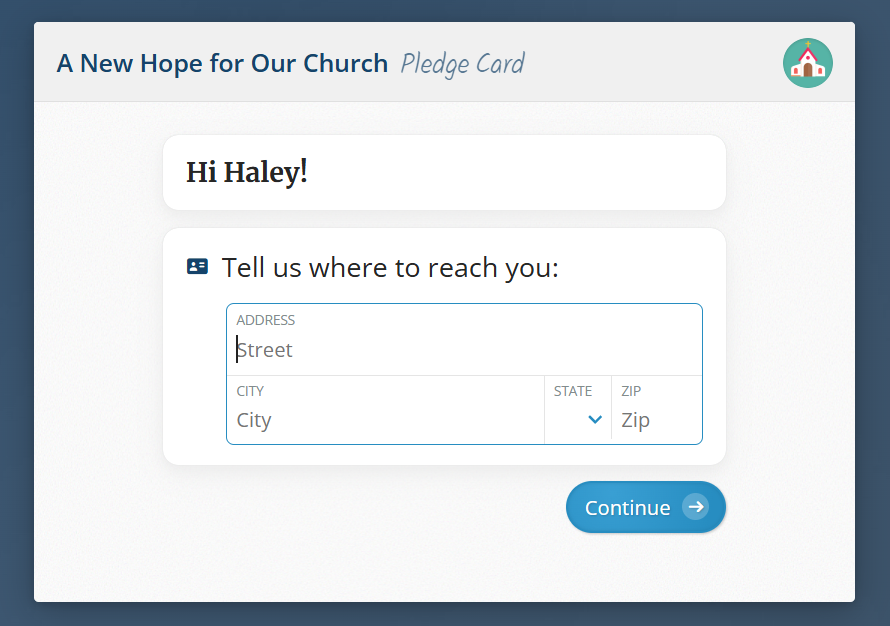
You will be prompted to verify your contact information and add a mailing address if it is not already on file to start filling out your pledge card.
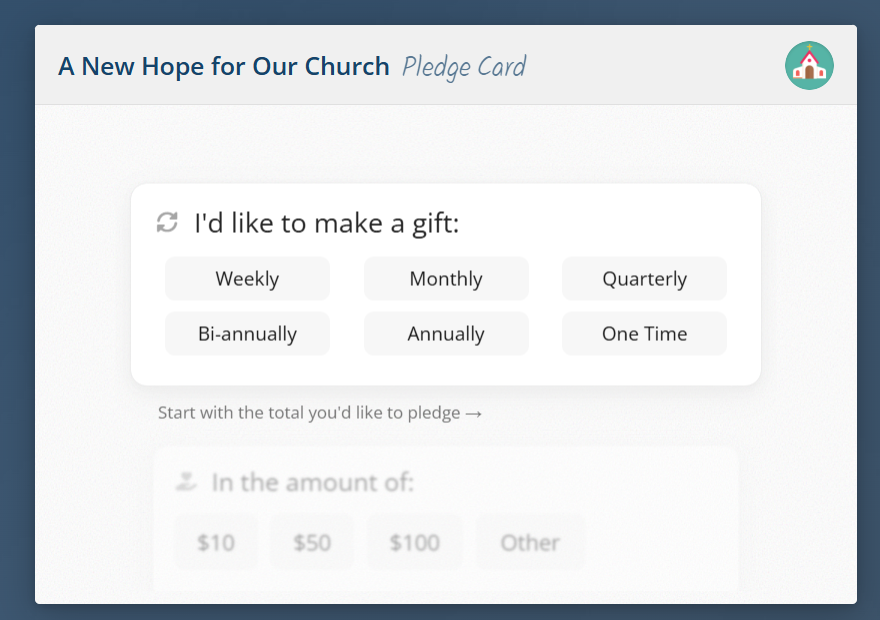
You will be able to select the cadence and amount at which you'd like to fund your pledge.
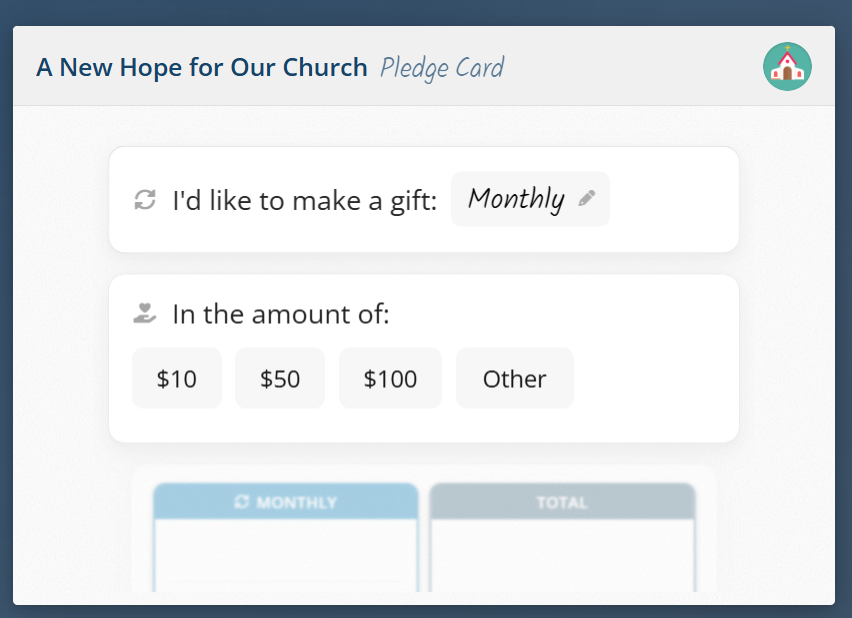
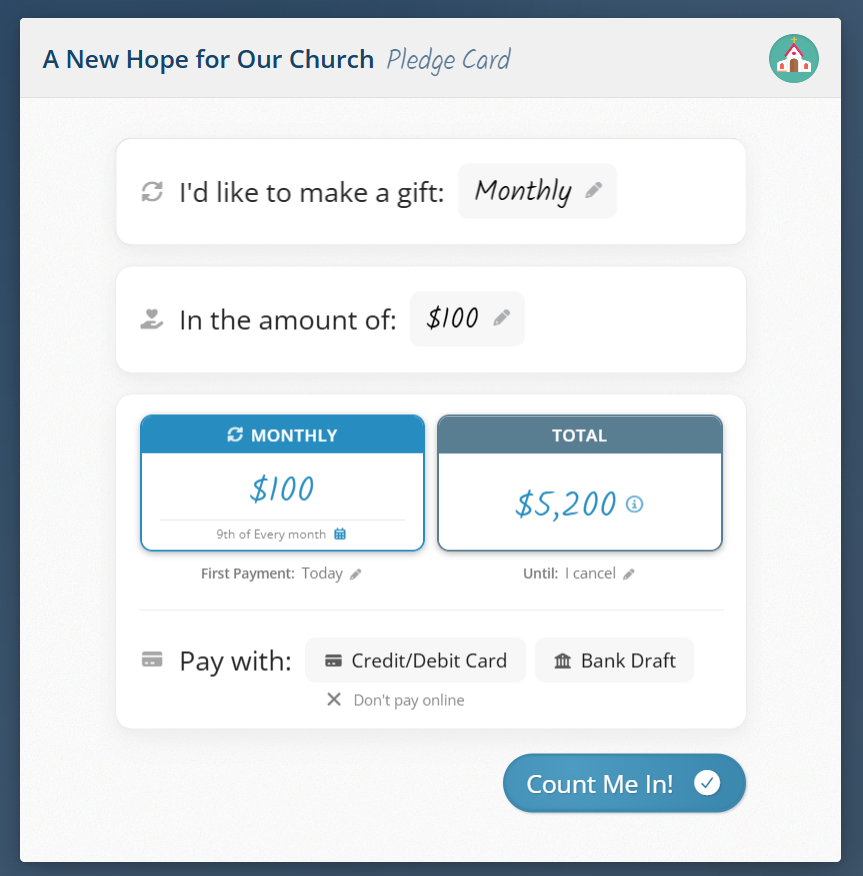
You'll then view a summary and set up payment immediately by selecting a payment method (i.e., Credit/Debit Card or Bank Draft - available if your church has Online and Mobile Giving features enabled).
After selecting "Credit/Debit Card", you'll be taken to the payment screen to enter your credit card information.
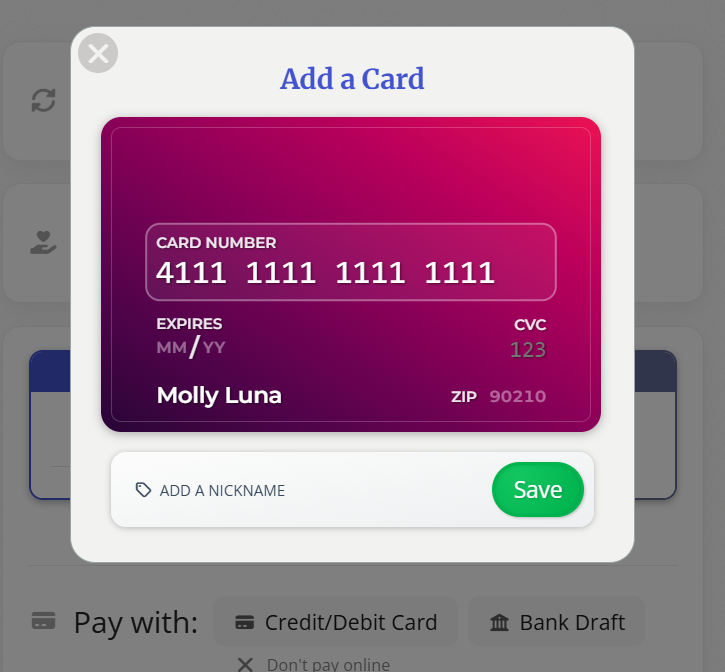
If your church offers the option to cover the processing fee, you can do so by checking this box.

Once you've entered that information, you'll then finalize your pledge by clicking Pledge & Give Now

How to edit your pledge
You can edit your pledge at any time, simply and quickly on your end by first logging into your Flocknote account in 1 of 2 ways.
1st Option - You can log in to your profile by visiting flocknote.com/login and then clicking the Giving button on the Home Page.

Your members will be able to edit their own pledge at any time by selecting the settings cogwheel and then clicking Edit Pledge.

2nd Option - Clicking the My Info button at the bottom of a Flocknote email will take you right to your profile.

From there, click the Giving tab and then click the cogwheel next to your pledge. Click Edit Pledge.
