How do I use SuperSearch?
SuperSearch is a handy tool that allows you to search the entire network using just a keyword, making it easier than ever for Flocknote admins to manage their Flocknote network! It searches literally everything - note titles, keywords to quickly find a note, groups, members, and more!
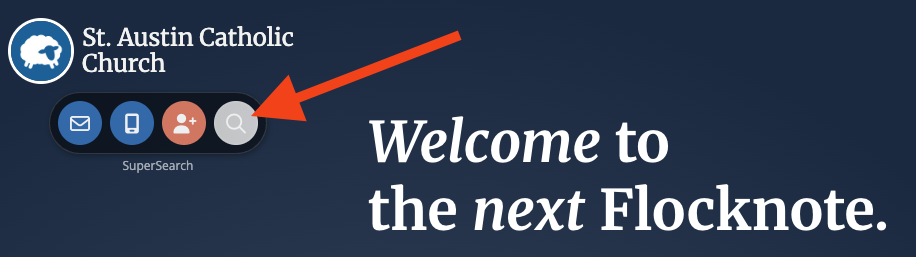
You can find the SuperSearch bar by clicking the gray eyeglass icon in the top left-hand corner under your network name.
Using the SuperSearch, you can filter by one or more options for your search, like Notes, Events, Files, People, Groups, and Comments.
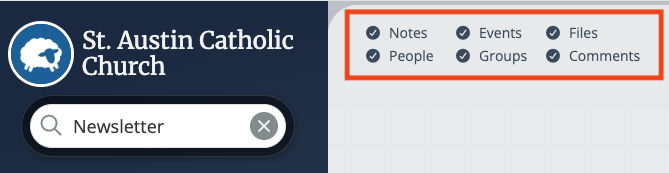
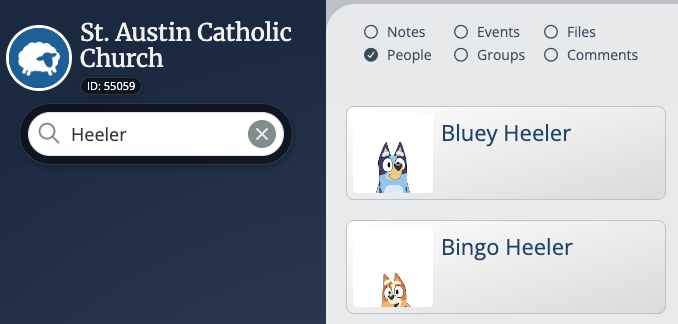
Just select and deselect the filter options you would like to search by!
SuperSearch from Flocknote on Vimeo.